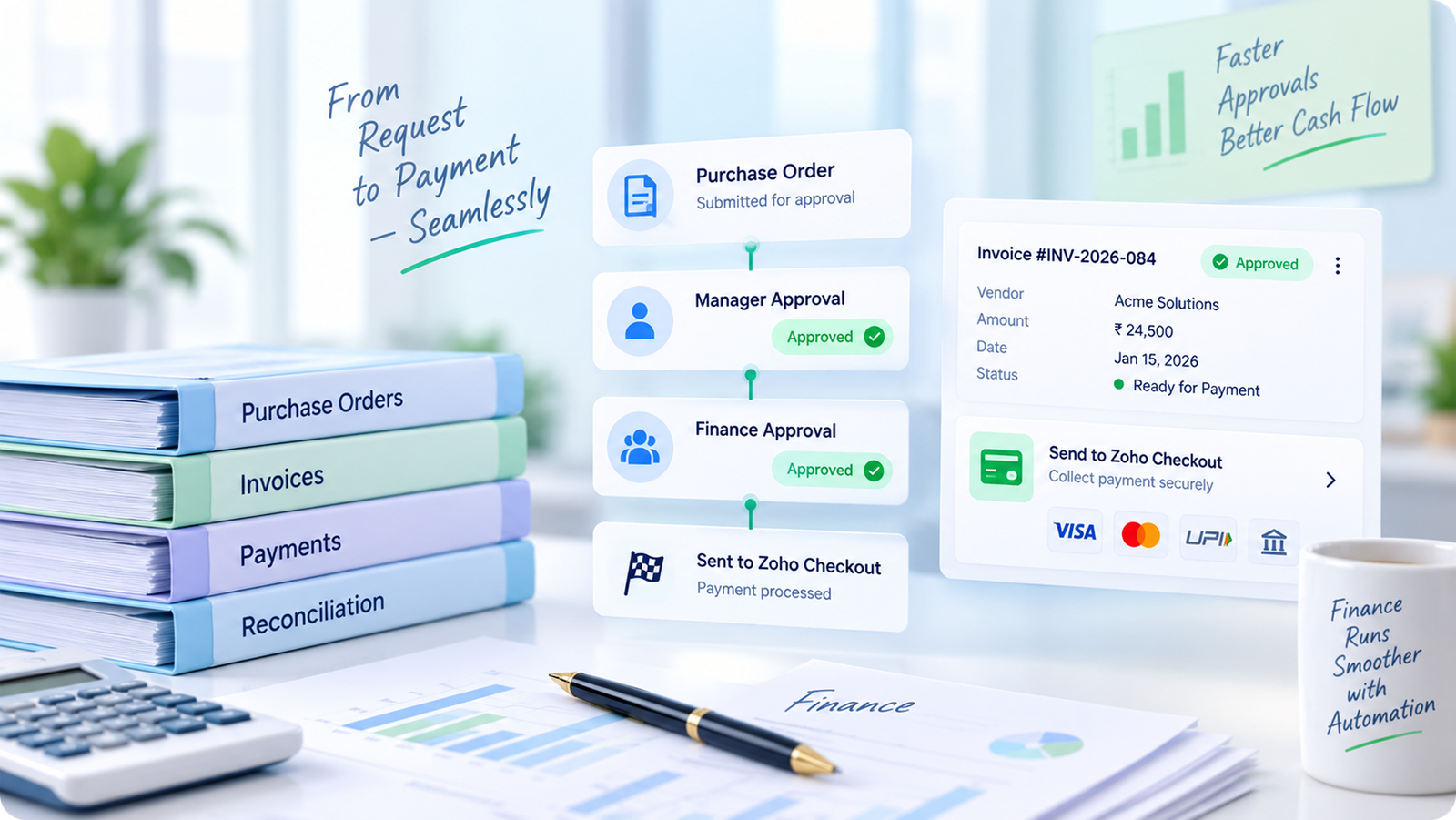
Every signature, sealed - legally, instantly, everywhere.

We help businesses roll out Zoho Sign the right way — from workflow design to rollout and adoption — so contracts stop waiting on paper, printers, and people out of office.

The product

What is Zoho Sign?

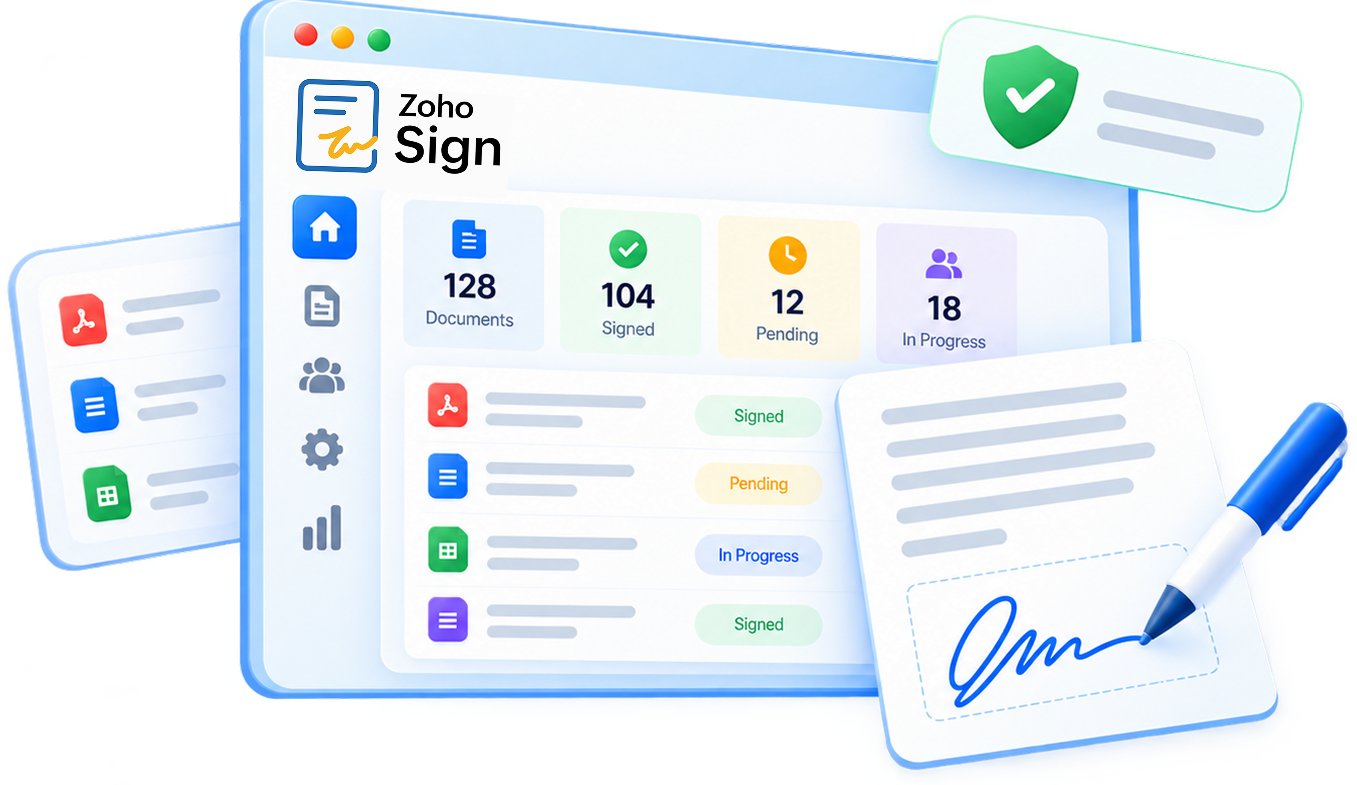
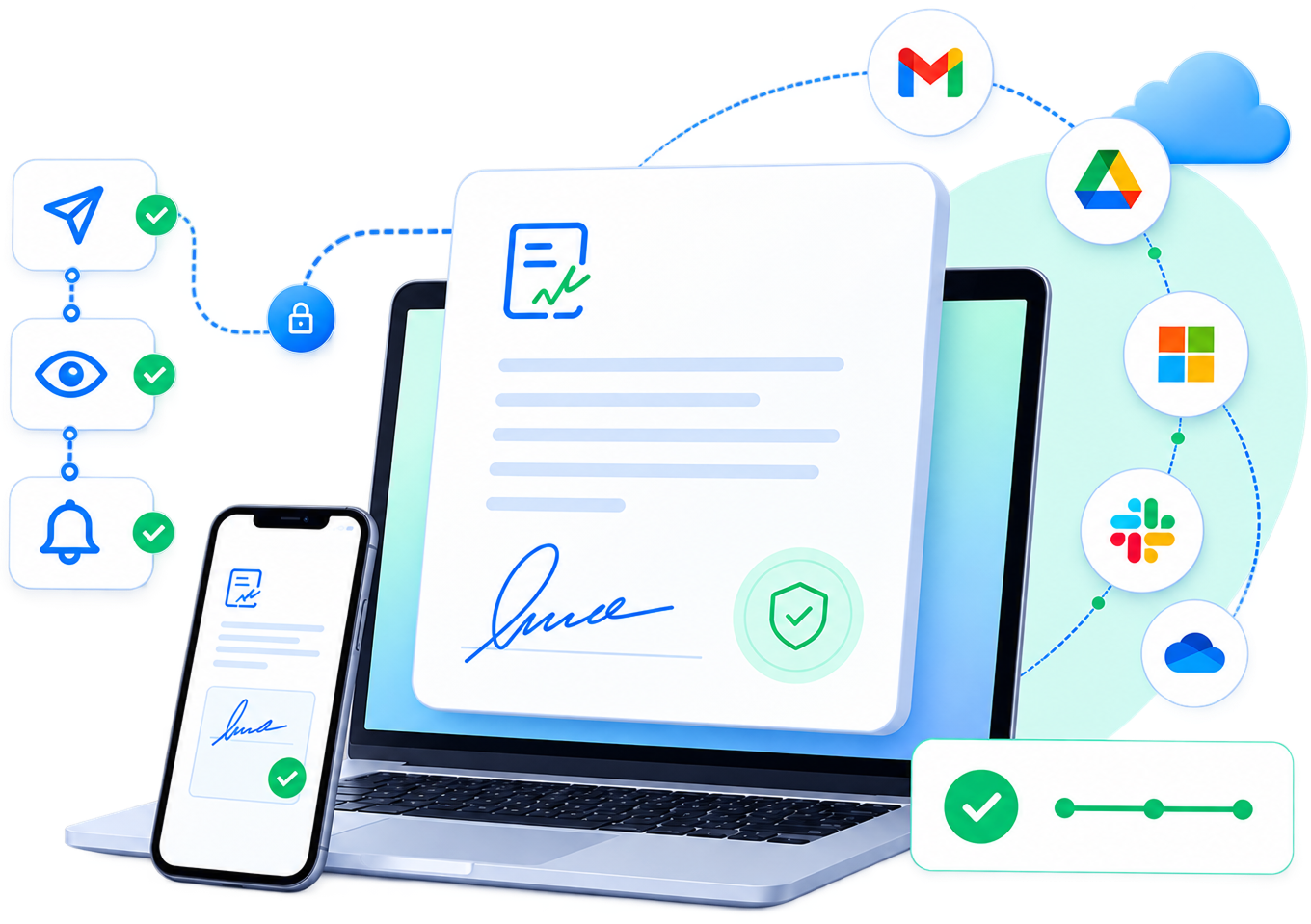
Zoho Sign is Zoho’s digital signature platform for preparing, sending, signing, and managing legally binding documents online. It replaces the print-sign-scan cycle with a workflow that takes minutes, from any device.

Built for every team

How Zoho Sign helps your business run faster

Close deals the moment the client says yes

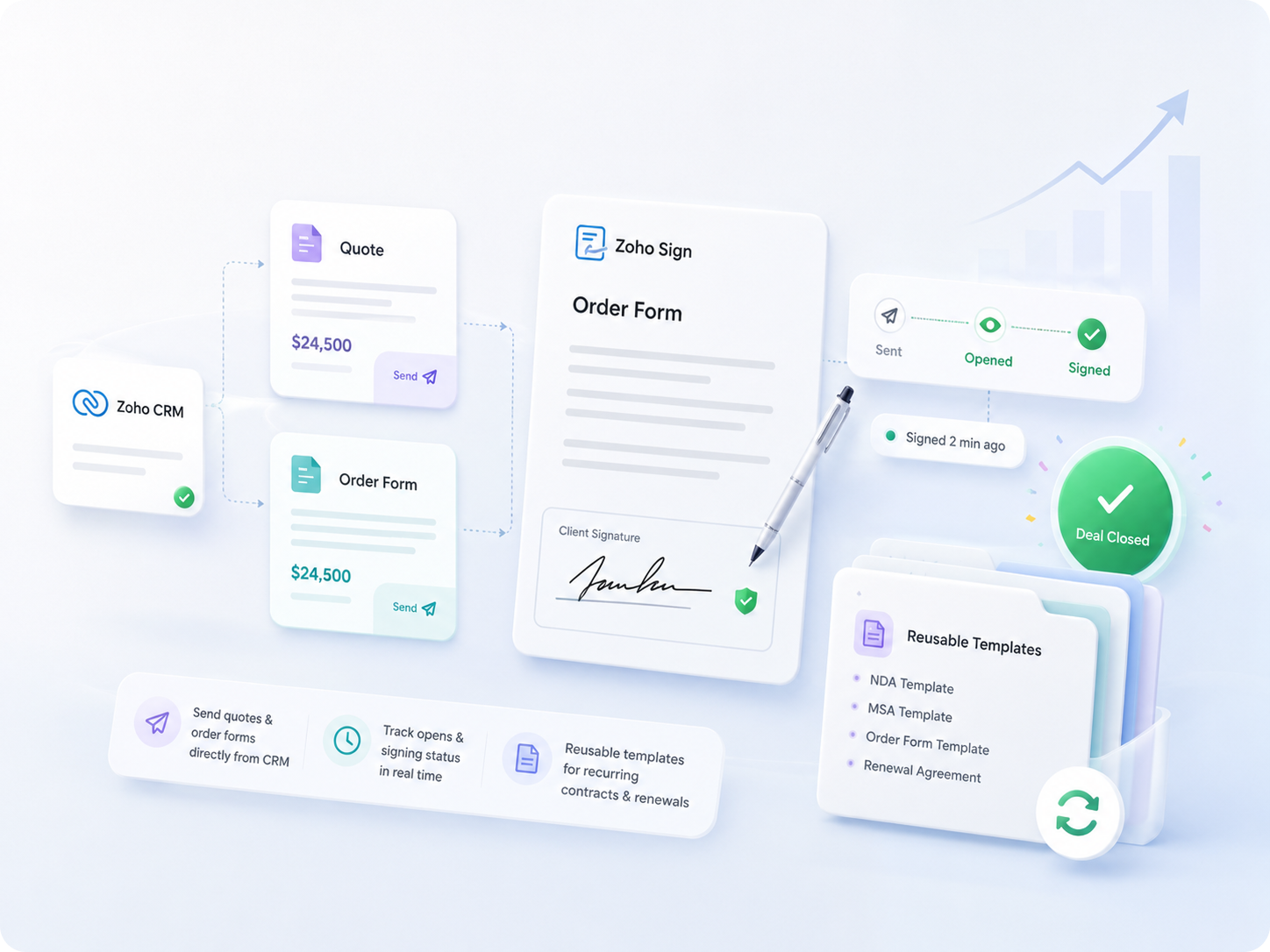
Every day a contract sits unsigned is a day revenue is deferred. Sales teams using Zoho Sign move deals from “final draft” to “signed” without leaving their pipeline, cutting the close-to-cash gap significantly.

Onboard new hires without a single printout

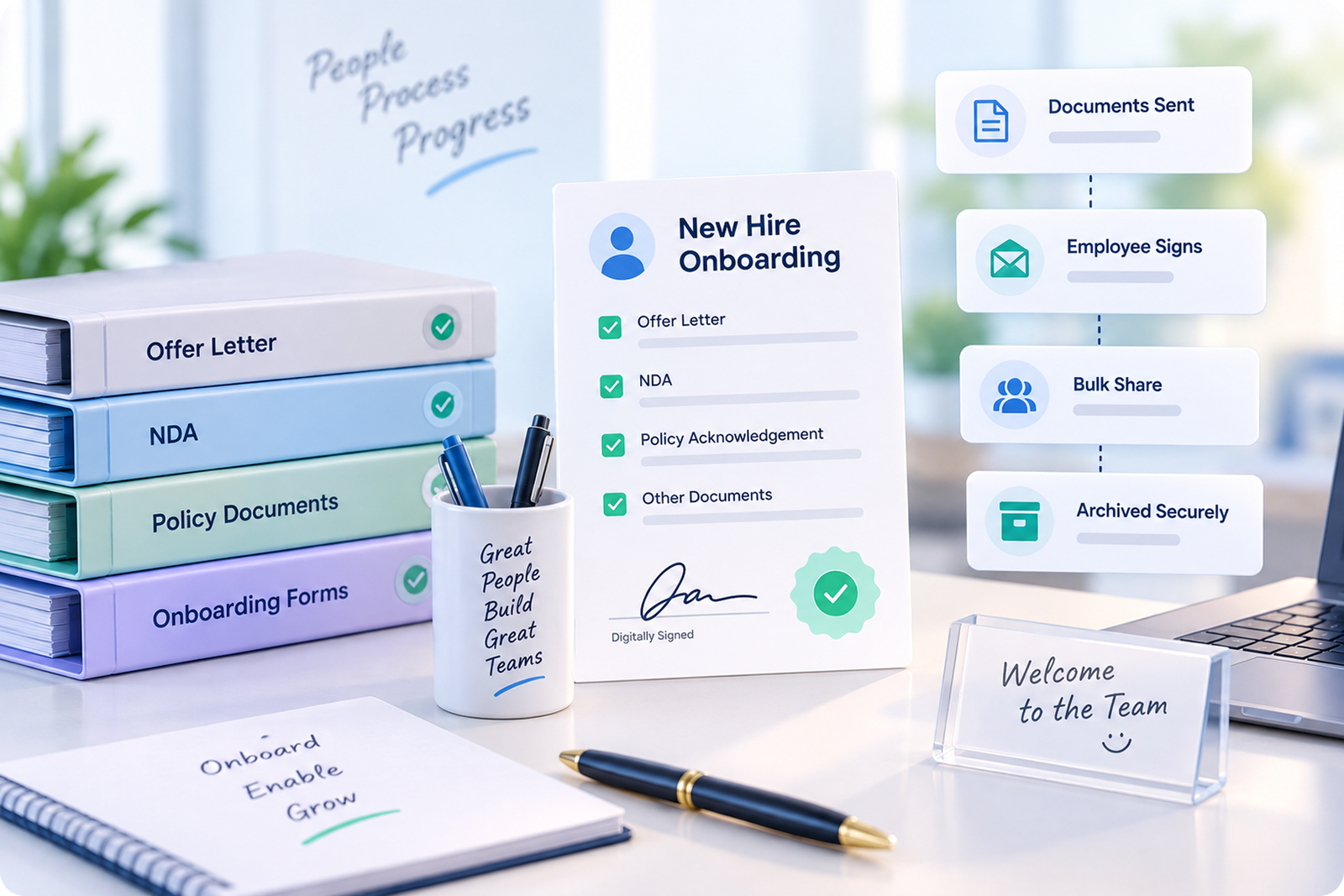
HR teams juggle dozens of documents per hire. Digitising the paperwork means new employees can complete everything before day one — from any city, on any device.

Keep every agreement compliant and auditable

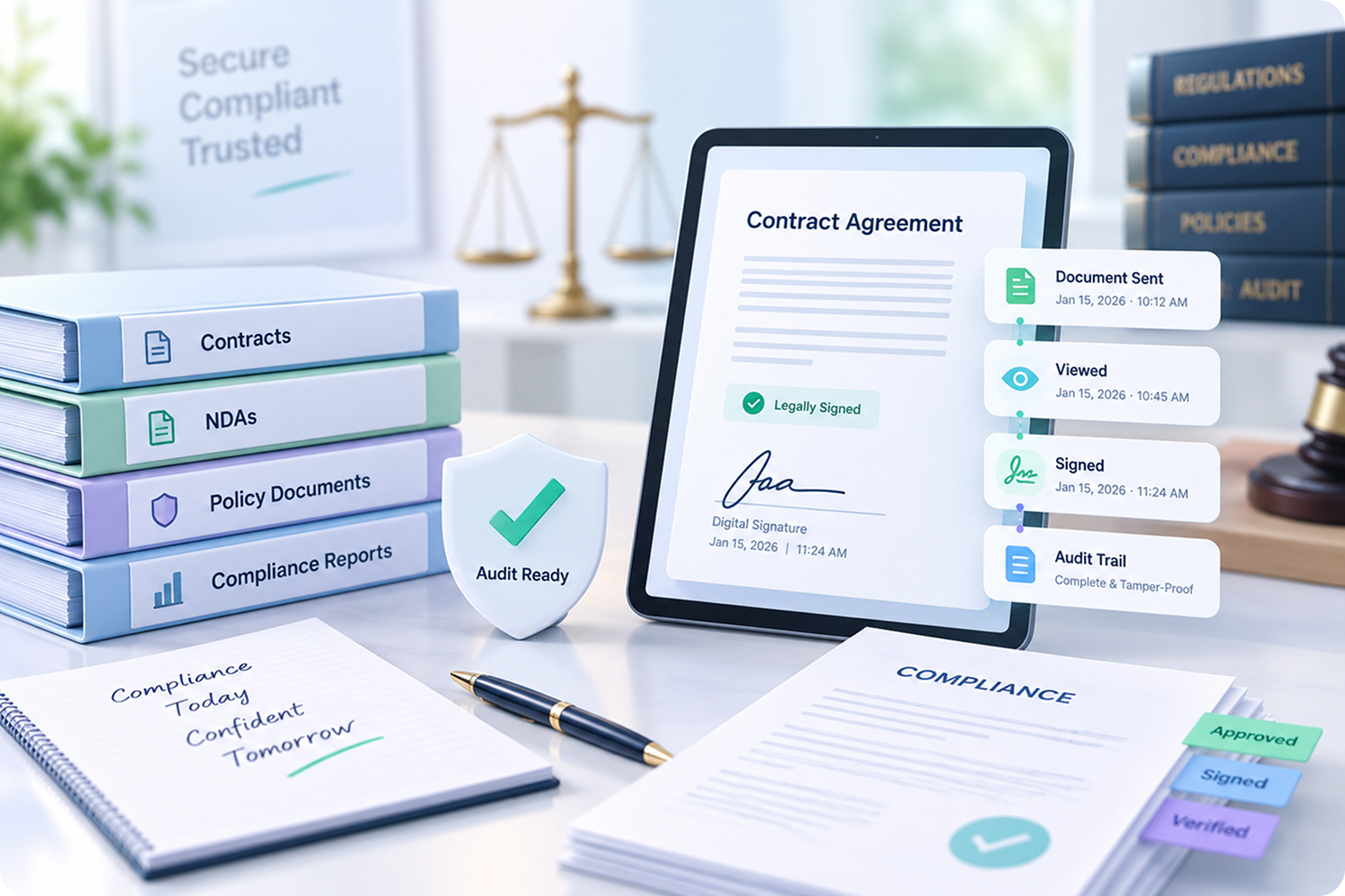
Legal teams don’t just need a signature -they need proof it will hold up. Zoho Sign’s audit trail and identity verification give counsel the evidence trail regulators expect.

Get approvals moving without email back-and-forth

Finance teams live and die by turnaround time on approvals. A structured, trackable signing workflow shortens month-end close and keeps spend under control.

See What Zoho Procurement Could Do for Your Purchasing Team

Talk to a Zoho Premium Partner about your specific procurement challenges.

Benefits & features

Everything a signing workflow needs, nothing it doesn't

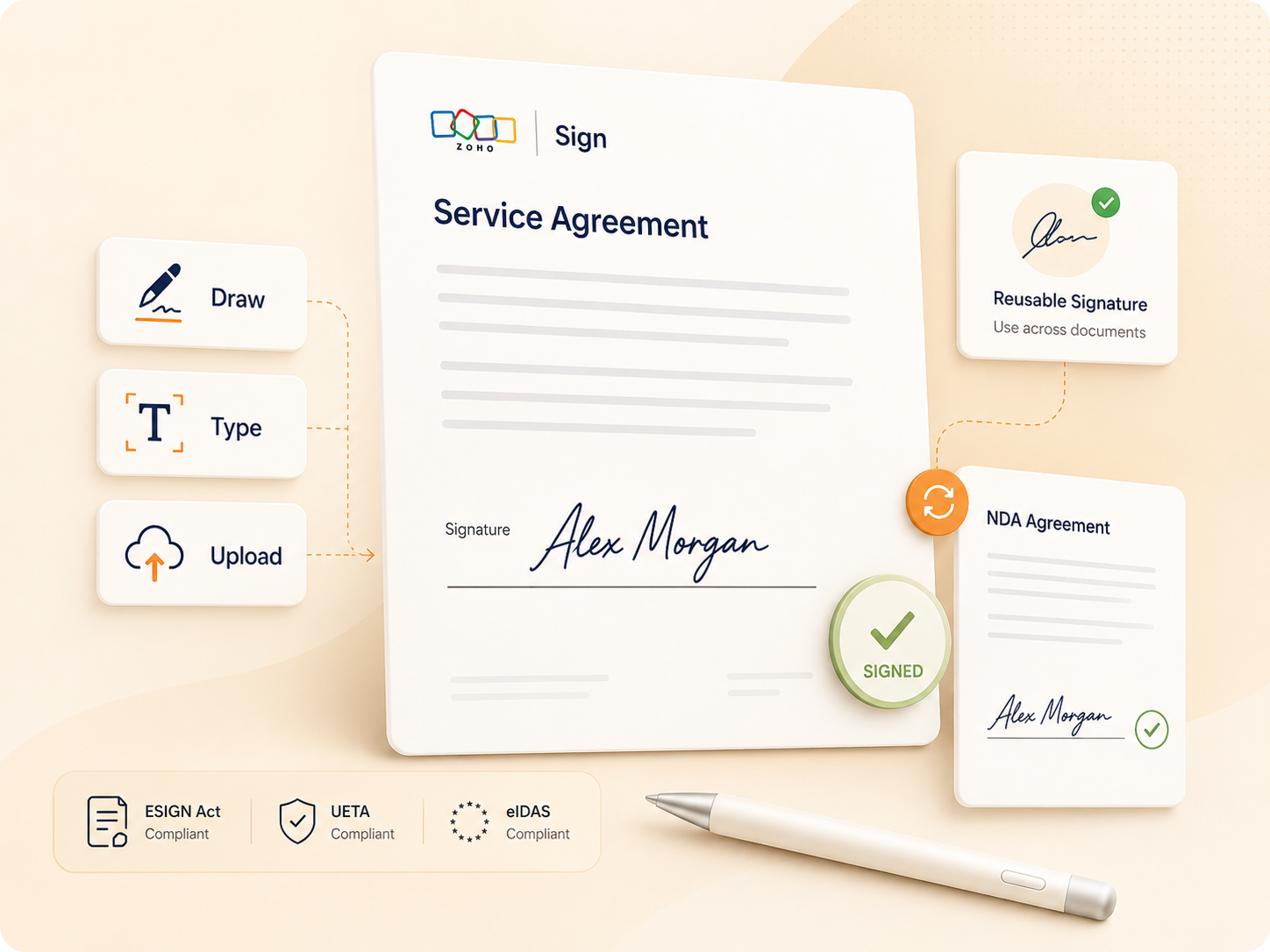
Legally binding signatures

Compliant with the ESIGN Act, UETA, eIDAS, and other regional e-signature laws worldwide.

Bank-grade encryption

AES-256 encryption at rest and TLS in transit, with blockchain-based timestamping on every document.

Reusable templates

Build a template once - offer letters, quotes, NDAs - and send it out in a couple of clicks forever after.

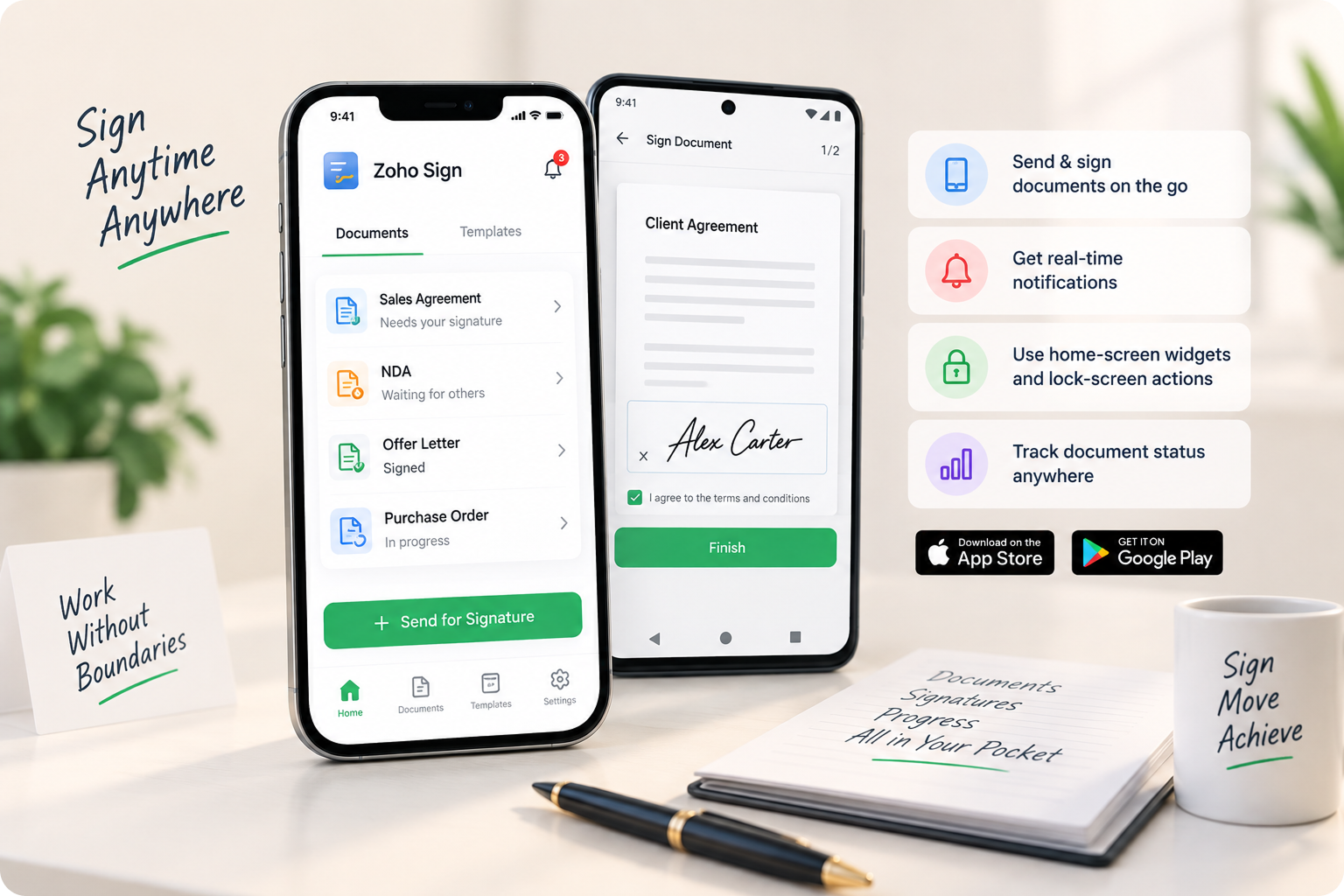
Send via email, SMS, WhatsApp

Reach signers on the channel they'll actually check, and follow up with automatic reminders.

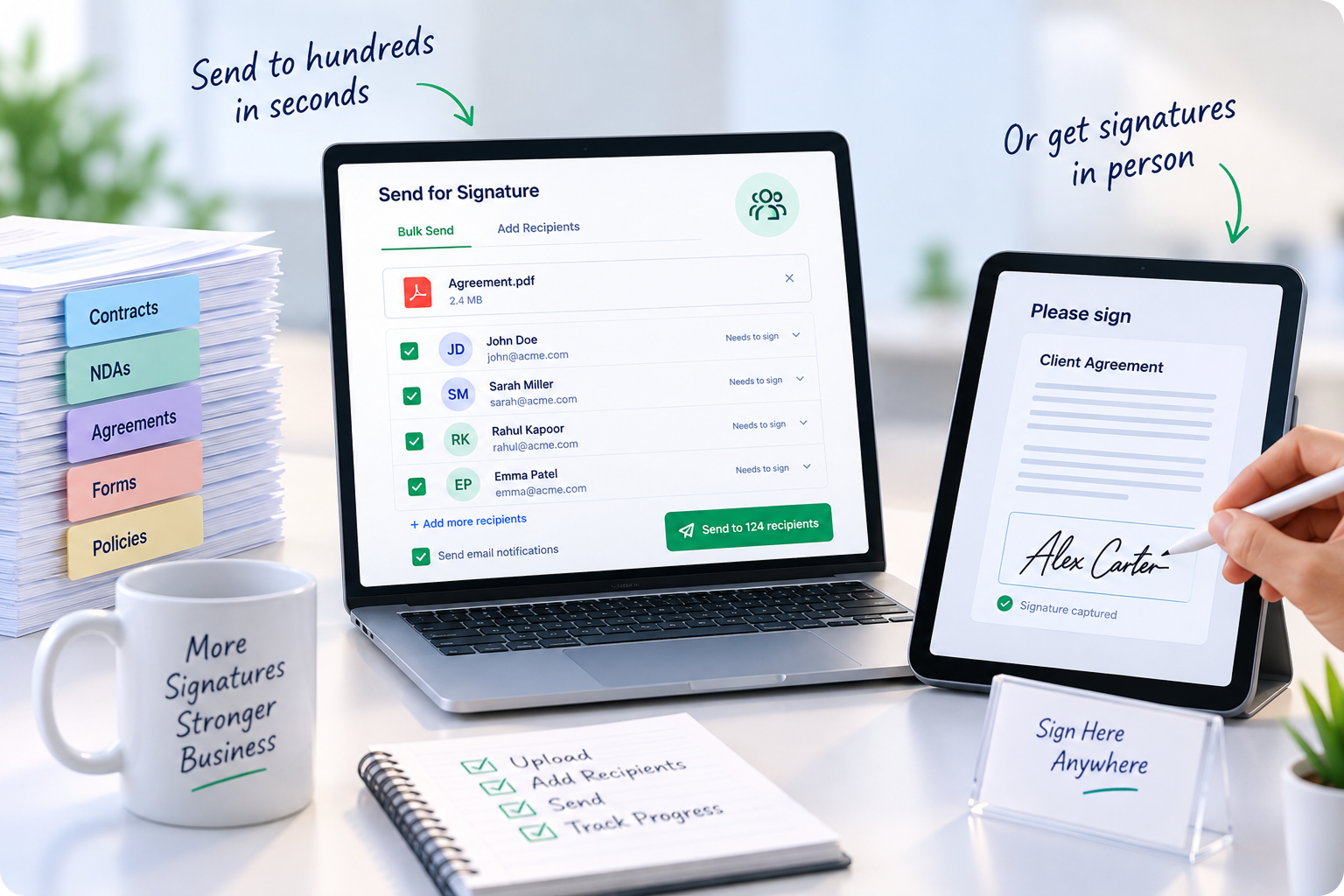
Bulk send & bulk sign

Send one document to hundreds of recipients, or sign a stack of documents in a single pass.

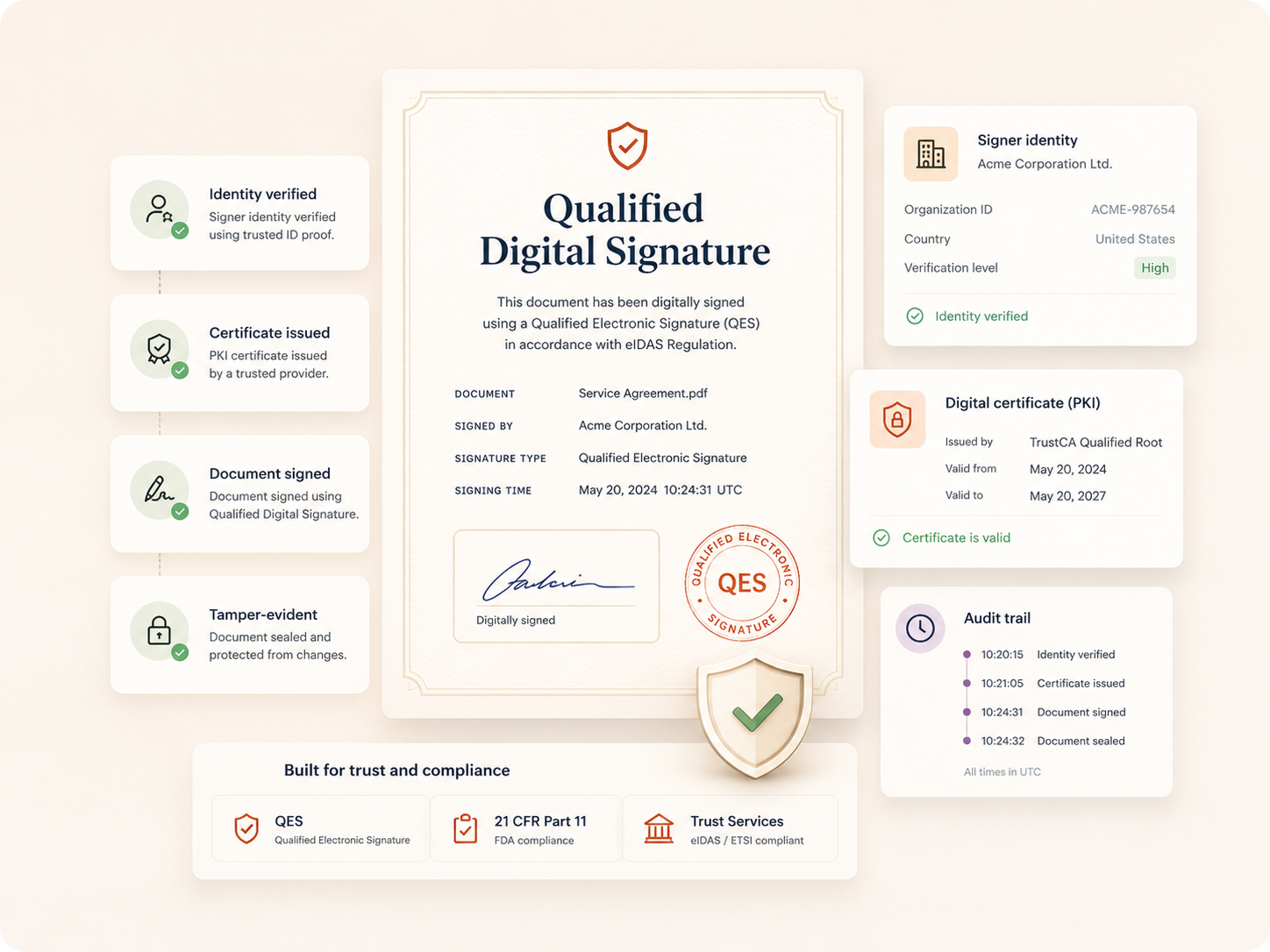
Identity verification

OTP, government ID checks, knowledge-based authentication, and eWitnessing for high-trust signing.

Public notes & comments

Clarify a clause inline instead of a back-and-forth email thread that delays the signature.

Recall & correct

Sent the wrong version? Recall a document instantly and cancel the in-flight signing process.

Custom branding

Your logo, colours, and domain on every signing page and notification email — white-labelled.

How it works

From draft to signed, in five steps

Week 1
01

Upload

Add a document from your device, Drive, WorkDrive, Dropbox, or a reusable template.

Week 2
02

Tag fields

Drop in signature, date, and text fields — AI-based detection places most of them for you.

Week 3
03

Add signers

Set the signing order, roles, and authentication method for every recipient.

Week 4
04

Send & track

Deliver via email, SMS, or WhatsApp, and watch status update in real time.

Week 5
05

Sign & store

Completed documents land in your inbox and are archived with a full audit trail.

Data privacy

Your data stays yours - that's not a slogan, it's architecture

Zoho doesn’t build its business on advertising or on selling user data. Documents you sign are encrypted at every stage, access is role-based, and every action is logged for you to audit — not for a third party to monetise.

AES-256 encryption

Blockchain timestamping

Role-based access

Global compliance

Inside Zoho Sign

What services you get with Zoho Sign

01 — Strategy

Strategic Consulting & Business Mapping

Before writing a single line of script, our financial and technical consultants conduct in-depth analysis of your existing workflows. We map your "as-is" operational loops and transform them into optimized "to-be" processes within ERPNext.
  • End-to-end business process discovery and gap analysis
  • Workflow redesign and standardization roadmap
  • Technology architecture alignment with operational goals
  • Change management and stakeholder training strategy
02 — Implementation

End-to-End Implementation Solutions

A smooth, well-executed rollout requires careful handling and precision. Our certified ERPNext experts follow a strict multi-phase deployment roadmap with zero operational downtime or data loss.
  • Data extraction, cleansing, and migration from legacy systems
  • Chart of accounts configuration and multi-level access setup
  • User acceptance testing (UAT) and staged deployment
  • Post-deployment validation and stabilization
03 — Customization

Deep ERPNext Customization Services

Your unique operational edge shouldn't be forced into a rigid mold. We design bespoke dashboards, develop custom scripts, alter print formats, and configure approval workflows that match your exact business hierarchy.
  • Custom field creation and conditional workflow logic
  • Server-side scripts and client-side customizations
  • Custom report designer and dashboard engineering
  • Print format modifications and document templates
04 — Integration

Seamless API Integration Ecosystem

Break down operational silos instantly with real-time API connectors. We link your ERP core with e-commerce platforms, payment hubs, CRM systems, and marketplace integrations seamlessly.
  • E-commerce: Shopify, WooCommerce, Magento, Amazon
  • Payments: Razorpay, PayU, bank reconciliation
  • CRM & Messaging: Salesforce, HubSpot, Twilio, WhatsApp
  • Lead Gen: IndiaMART, TradeIndia, custom landing pages
05 — Infrastructure

Secure Cloud Hosting & Infrastructure

Run your business on highly secure, reliable cloud architectures. We configure, harden, and monitor ERPNext instances on AWS, GCP, DigitalOcean, or Frappe Cloud with enterprise-grade security protocols.
  • Cloud infrastructure setup on AWS, GCP, or DigitalOcean
  • Two-factor authentication (2FA) and IP whitelisting
  • Automated daily offsite backup and disaster recovery
  • SSL encryption, database hardening, and audit logging
06 — Support

Post Go-Live Support & SLA Maintenance

An ERP implementation isn't a one-off project — it's a long-term commitment. A3CA provides dedicated, SLA-driven support to ensure your system runs reliably as you scale.
  • 24/7 technical support for critical issues
  • Monthly system health checkups and optimization reviews
  • Version upgrades and core framework updates
  • Ongoing user training and role-specific documentation

What we provide

A full implementation, not just a licence

SETUP

Account & org configuration

Domains, branding, user groups, and permission structures set up correctly from day one.

WORKFLOW

Signing workflow design

We map your actual document flows – approvals, routing, and signer order – into Zoho Sign.

INTEGRATE

Zoho & third-party integration

Connect Sign to your CRM, HR system, or finance stack so signing fits inside tools your team already uses.

SUPPORT

Training & ongoing support

Team onboarding, documentation, and a support line for whenever something needs adjusting.

Our role

What we actually do, start to finish

A structured rollout means your team adopts Zoho Projects in weeks, not quarters.

  • 0.1 Discovery

    We audit how documents currently move through your business and where signing creates delay.

  • 0.2 Design

    We design the templates, approval chains, and authentication rules Zoho Sign will run on.

  • 0.3 Deployment

    We configure, integrate, and test the environment before a single real contract goes through it.

  • 0.4 Adoption

    We train your teams so the switch actually sticks, not just gets used for a week.

  • 0.5 Support

    We stay on as your point of contact for changes, troubleshooting, and scaling as you grow.

See what a Zoho Sign rollout could look like for you

Share your current signing process and we’ll map out exactly where Zoho Sign removes the friction.

Connected suite

Zoho apps that plug straight into Zoho Sign

Zoho CRM

Zoho Books

Zoho Desk

Zoho WorkDrive

Zoho Cliq

Zoho Sprints

Why hire a partner

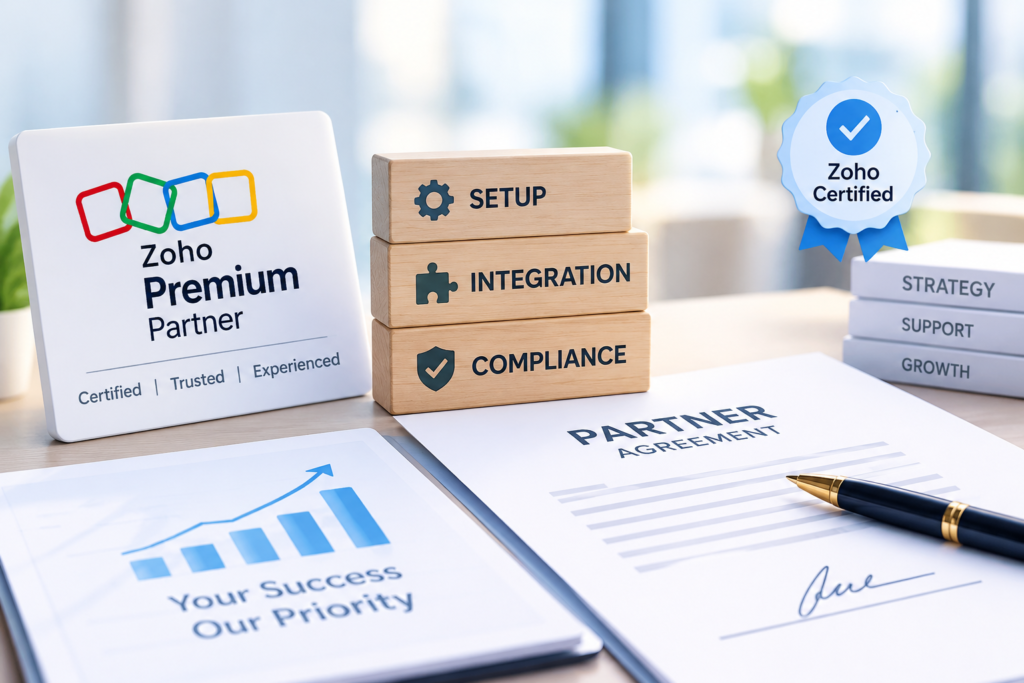
Why you need a Zoho Premium Partner for this

Zoho Sign is powerful, but a default setup rarely matches how your business actually signs documents. A Premium Partner has already solved the configuration, compliance, and integration problems you’d otherwise hit for the first time.

Certified by Zoho

Vetted, trained, and accountable to Zoho’s own partner standards.

Faster time to value

We skip the trial-and-error of a first-time setup and go straight to what works.

One point of accountability

A single team responsible for setup, integration, and support – not a support ticket queue.

Why choose us

What makes us the right partner for Zoho Sign

Zoho-only focus

We work exclusively inside the Zoho ecosystem, so integrations are second nature, not guesswork.

Industry playbooks

Pre-built workflow templates for healthcare, real estate, finance, and staffing accelerate rollout.

Transparent pricing

Fixed-scope implementation packages – no surprise hours billed after go-live.

Support that stays

We don’t disappear after launch – ongoing support is part of every engagement.

Let's build your first automated workflow together

No obligation. Just a clear plan for what to automate first.

Trusted by Businesses running on A3CA

testimonials

Real Stories. Real Results.

Discover how our solutions have helped businesses streamline processes, save time, and grow with confidence.

faq's

Frequently Asked Questions

Everything you need to know about Zoho Sign implementation with A3CA.

Book free chat with us

Is a Zoho Sign signature legally valid?

Yes. Zoho Sign’s e-signatures are compliant with the ESIGN Act, UETA, eIDAS, and equivalent laws in over 40 countries, and every signed document carries a full audit trail as evidence.

Zoho Sign offers a 14-day free trial with full enterprise features, plus a permanent free plan for up to five documents a month. We can set either up for you to evaluate.

Both. Our engagements include initial workflow design and deployment, plus ongoing support for changes, new integrations, and troubleshooting after go-live.

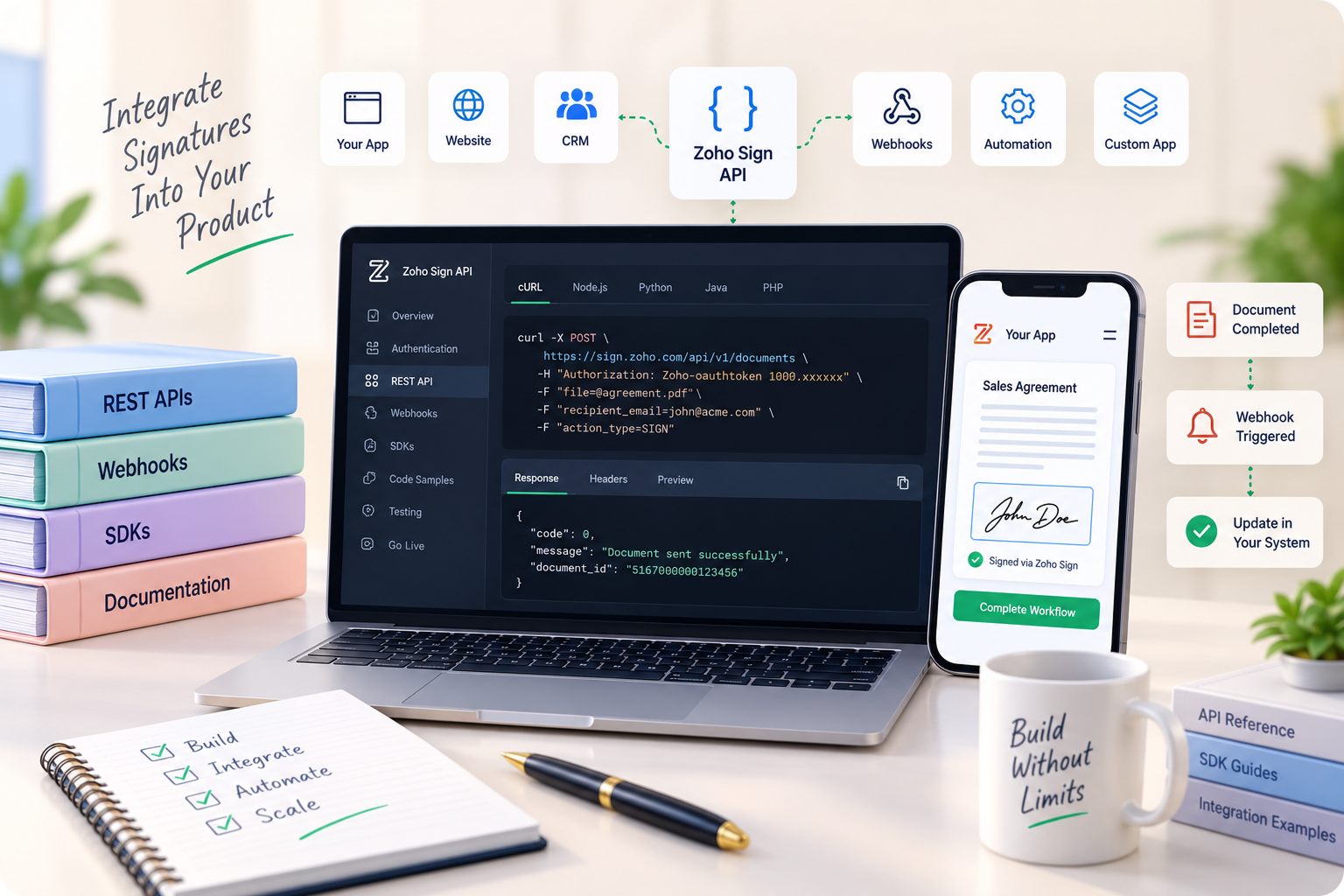
It integrates natively with Zoho CRM, Books, People, WorkDrive, Forms, and Writer, and connects to third-party apps and your own systems through its REST API and webhooks.

Implementation is scoped and quoted as a fixed package based on the complexity of your workflows — we’ll give you a clear number before anything starts.