Fast, Secure Zoho Assist Setup for Remote Support Teams in India
We are Zoho Premium Partners, and we help you provide Zoho Assist for your business – a remote support and unattended access platform that lets your team troubleshoot any device, anywhere, without a site visit. A3CA sets it up right the first time, tuned to how your support and IT teams actually work.

WHAT IS ZOHO ASSIST
The Remote Support Platform Built for Every Device, Anywhere
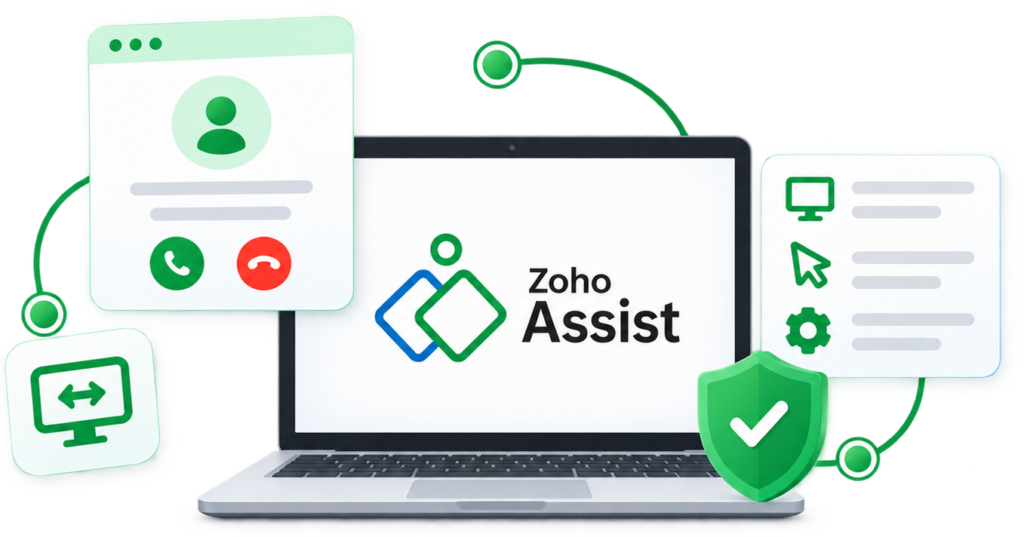
Zoho Assist is Zoho’s cloud-based remote support and remote access platform, built to let your team connect to Windows, Mac, Linux, Android, iOS, and Raspberry Pi devices instantly – with no prior installation required on the other end.
For Indian IT teams and MSPs, that means on-demand troubleshooting for walk-in issues, unattended access for after-hours maintenance, and enterprise-grade security controls that keep every session compliant and auditable.
As an Authorized Zoho Premium Partner, A3CA holds direct access to Zoho’s licensing support and product roadmap – so your Zoho Assist environment is configured the way Zoho intends it, tuned to your actual ticket volume and device fleet, not a generic template.
- Sessions Supported On-Demand Remote Support · Unattended Access · Screen Sharing
- Partner Status Authorized Zoho Premium Partner
- Devices Covered Windows · Mac · Linux · Android · iOS · Raspberry Pi
- Led By Chartered Accountants + Certified Zoho Consultants
WHAT WE DO
Tailored Zoho Assist Services Built for IT Teams That Can't Afford Downtime
Even a well-known remote support tool goes wrong without the right session policy, honest security controls, and automation your technicians will actually follow. We combine fast, focused setup with the same rigor we bring to enterprise Zoho projects, scaled to fit your team’s size and device fleet.
Support Workflow Design for How Your Team Troubleshoots
- ✓Discovery call to map your ticket volume, device mix, and support hours
- ✓Session-type strategy: on-demand vs. unattended access by device group
- ✓Security policy design: MFA, IP whitelisting, session confirmation rules
- ✓Change-management plan for smooth technician adoption

Fast, Focused Remote Support Setup
- ✓Configure technician groups, departments, and session permissions
- ✓Set up unattended access and bulk deployment across device fleets
- ✓Build custom session confirmation and time-out rules
- ✓Go live in days, not months

Branded Sessions & Custom Reporting Fields
- ✓Branded session invites, email templates, and support widgets
- ✓Custom fields for session notes, categorization, and reporting
- ✓File transfer and multi-monitor navigation rules tuned to your team
- ✓Voice, video, and AR-assisted troubleshooting setup
Connect Assist to Your Help Desk & Identity Stack
- ✓Zoho Desk and third-party help desk integration
- ✓Zoho CRM and Zoho One sync for full customer context
- ✓SSO and identity provider integration
- ✓Data flow validated end-to-end before go-live
Session Routing & Maintenance Rules That Actually Fire
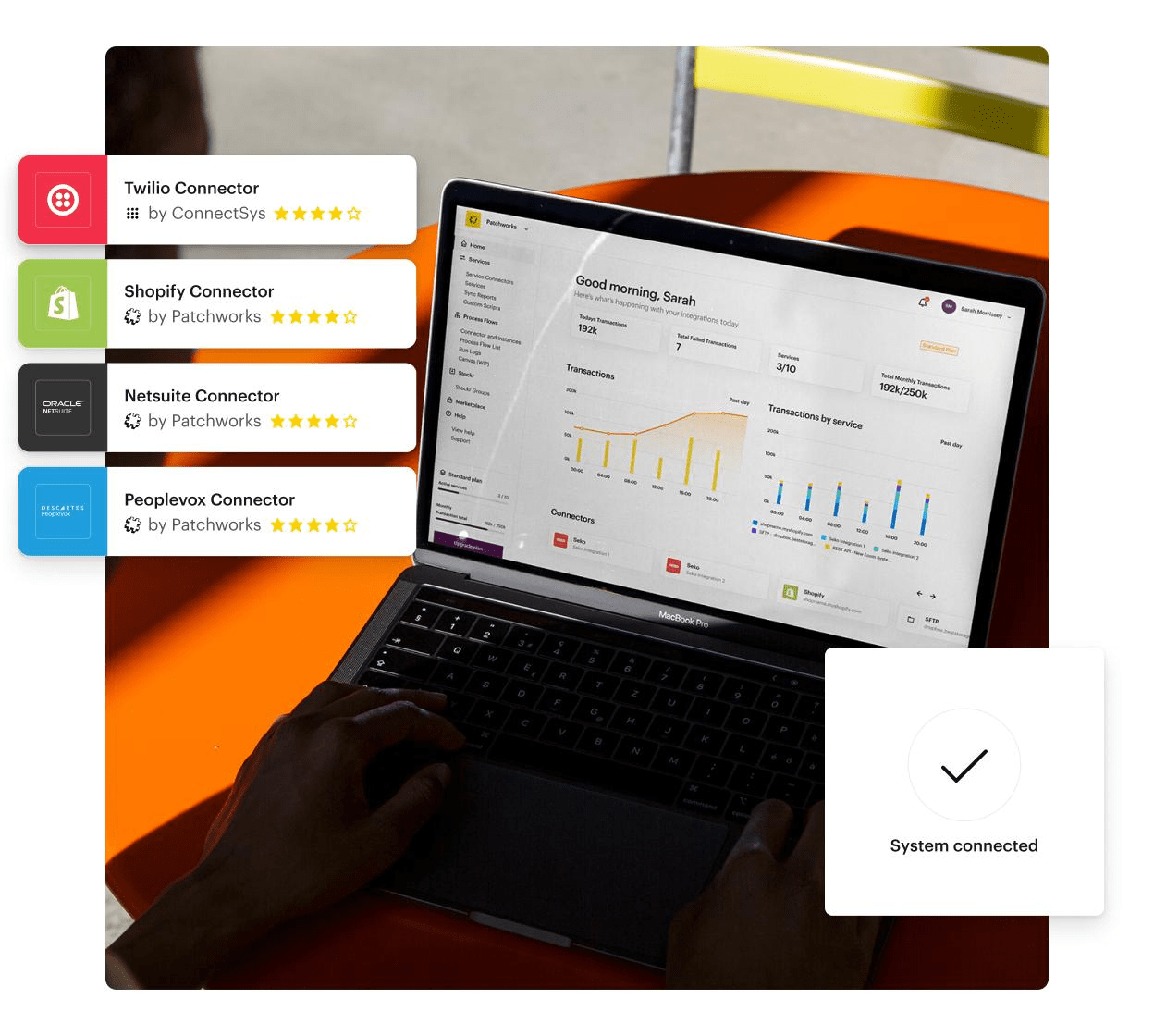
- ✓Automated session routing by technician skill or device group
- ✓Scheduled unattended maintenance windows
- ✓Zia AI-assisted reply suggestions and sentiment tagging
- ✓Wake-on-LAN automation for offline machines
- ✓Auto-generated session and audit reports
Ongoing Help as Your Support Team Grows
- ✓Direct access to your implementation consultant
- ✓Periodic session-volume and security health check-ins
- ✓Technician training for new hires as you scale
- ✓Guided expansion into Zoho Desk or the wider Zoho One suite
Core services
Core Zoho Assist Modules: Built to Keep Every Session Secure
Our specialized setups keep resolution times fast and every session compliant, while making sure the foundation is clean enough to scale into Zoho Desk or Zoho One later.
01
On-Demand Remote Support
Instant, web-based sessions with no prior installation, so technicians can troubleshoot the moment a ticket comes in.
- One-click session start
- Live chat during session
- No-install for end users
- Cross-platform support
02
Unattended Remote Access
Pre-authorized access to manage devices anytime, without anyone present - built for after-hours maintenance and fleet management.
- Bulk deployment
- Wake on LAN
- Session confirmation prompts
- 24/7 device availability
03
Enterprise-Grade Security
AES-256 encryption, multi-factor authentication, and IP whitelisting keep every remote session locked down and auditable.
- AES-256 encryption
- Session recording
- Multi-factor authentication
- IP whitelisting
04
Multi-Device & Cross-Platform Coverage
Support Windows, Mac, Linux, Android, iOS, and Raspberry Pi devices from a single console.
- Windows & Mac support
- Linux & Raspberry Pi
- Android & iOS access
- Multi-monitor navigation
05
Collaboration & File Sharing Tools
Voice, video, live chat, and file transfer up to 2GB, so technicians resolve issues without switching tools mid-session.
- Voice & video chat
- Screen annotation
- File transfer up to 2GB
- Session recording & playback
06
Help Desk & Zoho One Integration
Launch remote sessions directly from Zoho Desk or your ticketing tool, with a clear path into the wider Zoho One suite.
- Zoho Desk integration
- Zoho CRM context
- Third-party help desk sync
- Zoho One upgrade path
EFFICIENCY & IMPACT
Why Zoho Assist Makes Sense for Growing IT & Support Teams
Site visits and ad-hoc screen-share tools work – until a technician is stuck driving across town for a five-minute fix. Zoho Assist gives your team enterprise-grade remote access, without the enterprise price tag or setup time.
Faster Ticket Resolution
One-click sessions cut the time between a ticket being raised and a technician actually looking at the screen.
No More Site Visits for Simple Fixes
Unattended access handles routine maintenance without anyone driving anywhere.
Fully Auditable Sessions
Session recording and logs keep every remote connection compliant and reviewable.
Room to Grow
A clean path into Zoho Desk and Zoho One means you're never locked out of scaling later.
1-2 Wks
100%
1
10hrs
WHY A3CA
The Interdisciplinary Advantage.
Most freelance remote-support setups stop at “the connection works.” A3CA brings the same process discipline we use on enterprise Zoho projects, scaled to your team’s actual size.
Right-Sized, Not Over-Built
Led by experienced Chartered Accountants, we design your Assist setup to fit your team's actual ticket volume and device mix - no unnecessary complexity, no wasted setup fees.
Authorized Zoho Premium Partner
As a Zoho Premium Partner, your Assist setup is configured the way Zoho intends, with direct access to licensing support and a smooth path to Zoho Desk and Zoho One later.
Deep Local Insight, Global Standards
Based in Mohali, Punjab, we understand how Indian IT and support teams actually operate, while keeping the architecture clean enough to scale across locations.
Completely Human-Centric Support
We avoid generic tech jargon. Our teams work on-site and remotely, delivering plain-language training so your whole team actually uses the platform daily.
How We Work
Your Zoho Assist Implementation Journey
From first consultation to fully operational – here’s what the journey looks like with A3CA.
Discovery & Planning
Quick device and session-type discovery, with a simple rollout roadmap.
Data Migration
Existing device list and technician role extraction, cleanup, and validation.
Customization & Setup
Session rules, security policy, and integrations.
User Testing & Training
Quick walkthrough and hands-on technician training.
Go-Live & Support
Cutover, stabilization, and ongoing support.
faq's
Frequently Asked Questions
What is Zoho Assist and who is it built for?
Zoho Assist is Zoho’s cloud-based remote support and remote access platform, built for IT teams, MSPs, and support desks that need to troubleshoot devices instantly or manage unattended systems without being on-site.
What's the difference between on-demand remote support and unattended access?
On-demand remote support connects to a device only when the end user initiates or approves a session, ideal for ad-hoc troubleshooting. Unattended access lets you connect to a pre-authorized device anytime, without anyone present, ideal for ongoing maintenance and after-hours work.
Is Zoho Assist secure enough for enterprise IT support?
Yes. Zoho Assist uses AES-256 encryption, multi-factor authentication, TLS 1.2, and IP whitelisting, and supports session recording and confirmation prompts for compliance-sensitive environments.
Does Zoho Assist work across Windows, Mac, mobile, and other devices?
Yes. Zoho Assist supports Windows, Mac, Linux, Android, iOS, and Raspberry Pi, with no prior installation required for the person receiving support.
Can Zoho Assist integrate with our help desk or ticketing system?
Yes. Zoho Assist integrates with Zoho Desk and other major help desk platforms, so remote sessions can be launched directly from a support ticket.