
We design, build and run Zoho Analytics for growing businesses – connecting every system you use into reports your team actually checks every morning.
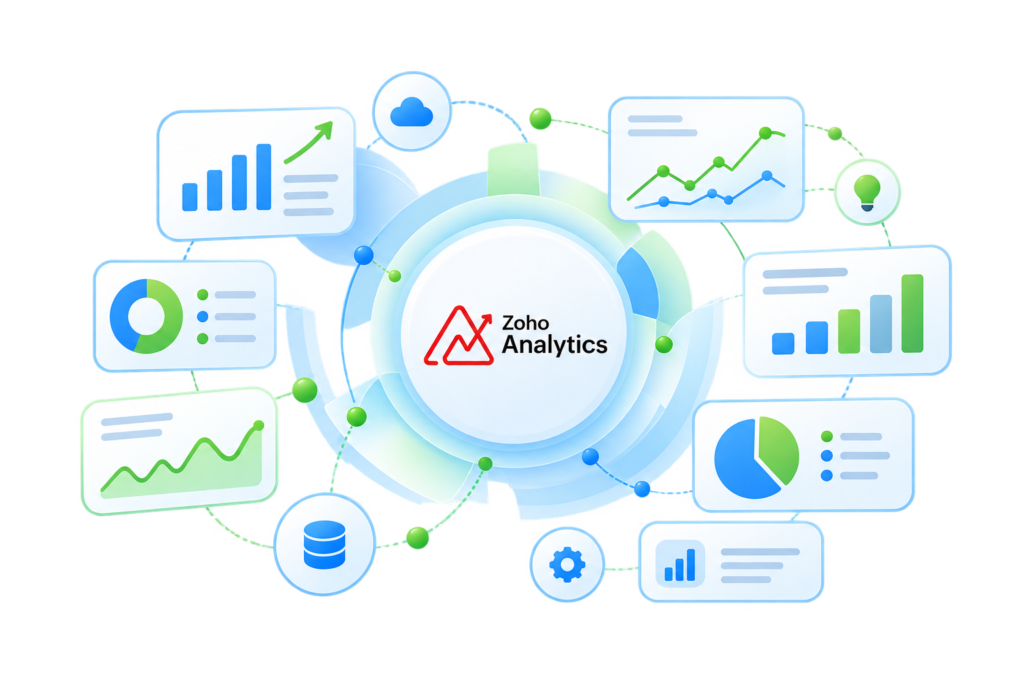
Zoho Analytics is a modern reporting and business intelligence platform that pulls data from your CRM, accounting tools, marketing platforms, databases and spreadsheets into one place – then lets you build dashboards by dragging and dropping, no SQL required. Its built‑in AI assistant, Zia, answers plain‑English questions about your numbers and flags trends before they become problems.
Sales, support, finance and marketing data in one dashboard – no more switching tabs to get the full picture.
Scheduled reports land in inboxes and Slack channels on their own, so weekly reviews stop starting with data pulls.
Zia’s AI-driven anomaly detection flags dips and spikes automatically, before they show up in a monthly review.
Shared, permission-based dashboards mean every team looks at the same numbers instead of arguing over whose is right.
We connect Zoho Analytics to every system your business already runs on – CRM, accounting, e‑commerce, ad platforms, and internal databases – so nobody re‑types numbers into a spreadsheet again.

We design dashboards around the decisions each team actually makes – not a generic template -so every chart earns its place on the screen.

From choosing the right Zoho Analytics plan to configuring workspaces, users and access roles – we handle the setup so your first dashboard ships in days, not months.

Moving off Excel, Power BI, Tableau or Google Data Studio? We rebuild your existing reports in Zoho Analytics without losing history or logic.

Adoption is the real deliverable. We train your team to build and edit their own reports, then stay on as your Zoho Analytics help desk.

Zoho Analytics is powerful out of the box – our job is to configure it around how your business actually operates, so it gets used instead of ignored.
Map your data
We audit where your data lives today and what decisions your team needs it to support.
Build the workspace
We size the right plan, connect your systems, and structure workspaces around your teams.
Ship dashboards
We design and test dashboards with the people who'll use them daily, not just the buyer.
Stay accountable
We monitor adoption, tune reports as your business changes, and remain your direct line to Zoho.
Send us a sample of what you’re tracking today – we’ll show you what it looks like rebuilt in Zoho Analytics, free.

You can sign up for Zoho Analytics directly – but configuring it well, connecting the right systems, and getting your team to actually use it is a different skill set. A Premium Partner has already made the mistakes, so you don’t have to.
Recognized by Zoho for consistent, certified delivery of Analytics and BI implementations across industries.
Consultants trained and certified directly by Zoho on Analytics implementation.
We've done this setup before - go live in weeks instead of trial-and-error months.
Partner-level support access to Zoho for issues beyond standard tickets.
Right plan, right architecture from day one - no expensive rebuilds later.


Discover how our solutions have helped businesses streamline processes, save time, and grow with confidence.
A3CA delivers expert financial auditing with professionalism, deep insight, and a strong focus on compliance and client success.
Strategic Lead @Zoho | IT Strategy | Solution & Project Management Expert
Anmol is reliable and proactive, with strong expertise in GST, TDS, audits, and compliance. He consistently goes the extra mile. Highly recommended.
Engineering Leadership | Delivery Management, and Client Engagement
A3CA delivers expert financial auditing with professionalism, deep insight, and a strong focus on compliance and client success.
Founder & CEO
Working with A3CA has been excellent-diligent, supportive, and always ready to help. Their Zoho Finance expertise makes them highly recommended.
CEO at Salient Process
I’ve partnered with A3CA on multiple Zoho projects-their deep expertise and seamless Zoho Books migrations make them truly outstanding.
Business Consultant & Analyst | Project Manager | Zoho MVP Partner
We truly appreciate the effort and dedication your team has put into completing the Zoho project for our organization. The collaboration has been smooth and professional, and we are pleased with the outcome.
Officer – Accounts/Finance
Zoho Analytics is self-service, so you can sign up on your own. As a Premium Partner, we handle plan selection, data connections, dashboard design and team training – so you get a working, adopted BI setup instead of an empty account.
Most projects go live in 2–4 weeks depending on how many data sources are involved and how many dashboards are needed. Simple single-source setups can be faster.
Yes. Alongside Zoho CRM, Books and Desk, Zoho Analytics connects to hundreds of third-party apps, databases and file formats, including Salesforce, Google Ads, MySQL, and plain CSV or Excel files.
Yes. Every implementation includes an initial support window, and we offer ongoing managed support plans for teams that want us to maintain and evolve dashboards over time.
Yes. We rebuild existing reports in Zoho Analytics, validate the numbers against your current tool, and run both in parallel until your team is confident in the switch.
