One secure drive for every team,
every file, every version.
We design, migrate, and configure Zoho WorkDrive around how your business actually works – so your team stops emailing attachments and starts working from one source of truth.
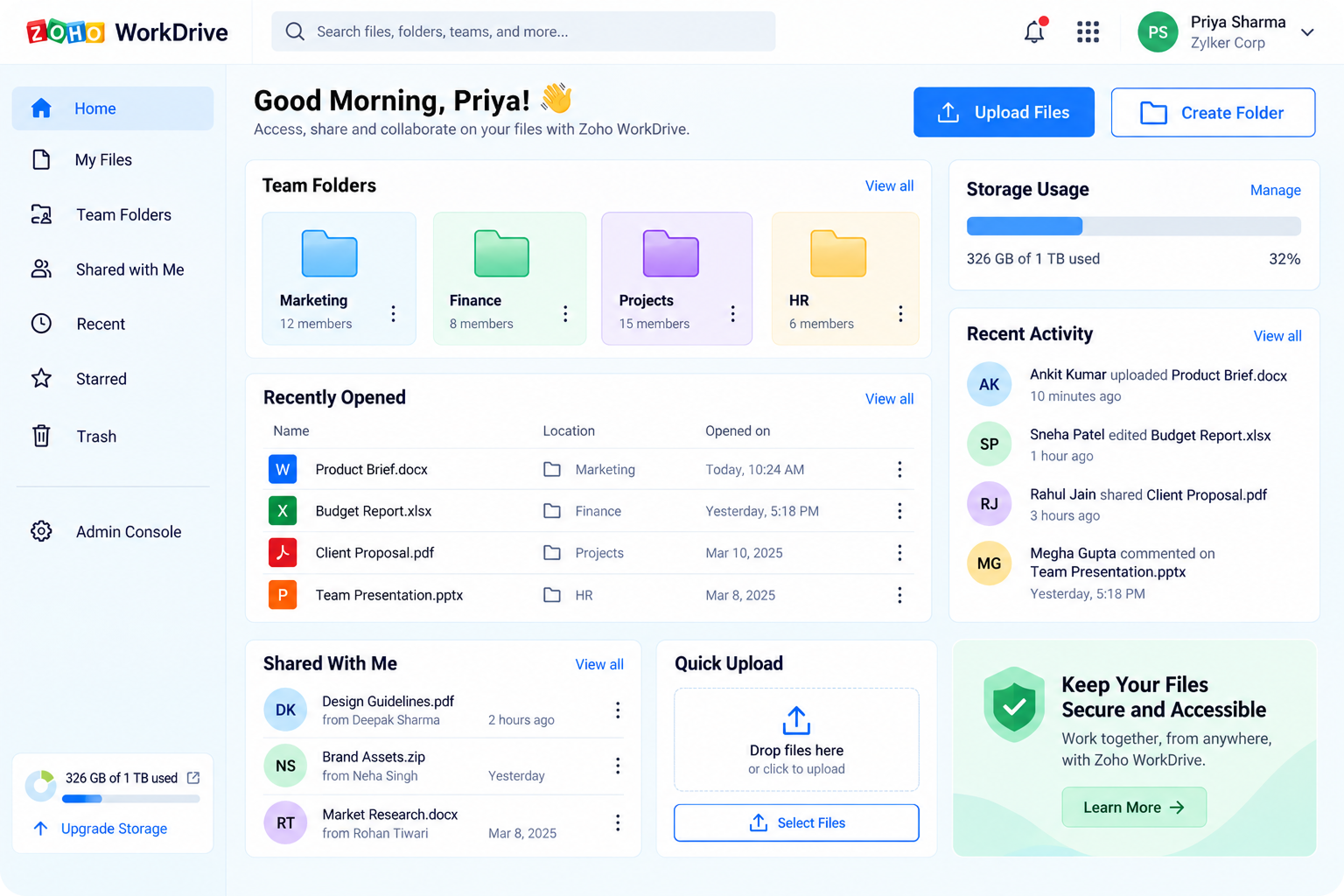
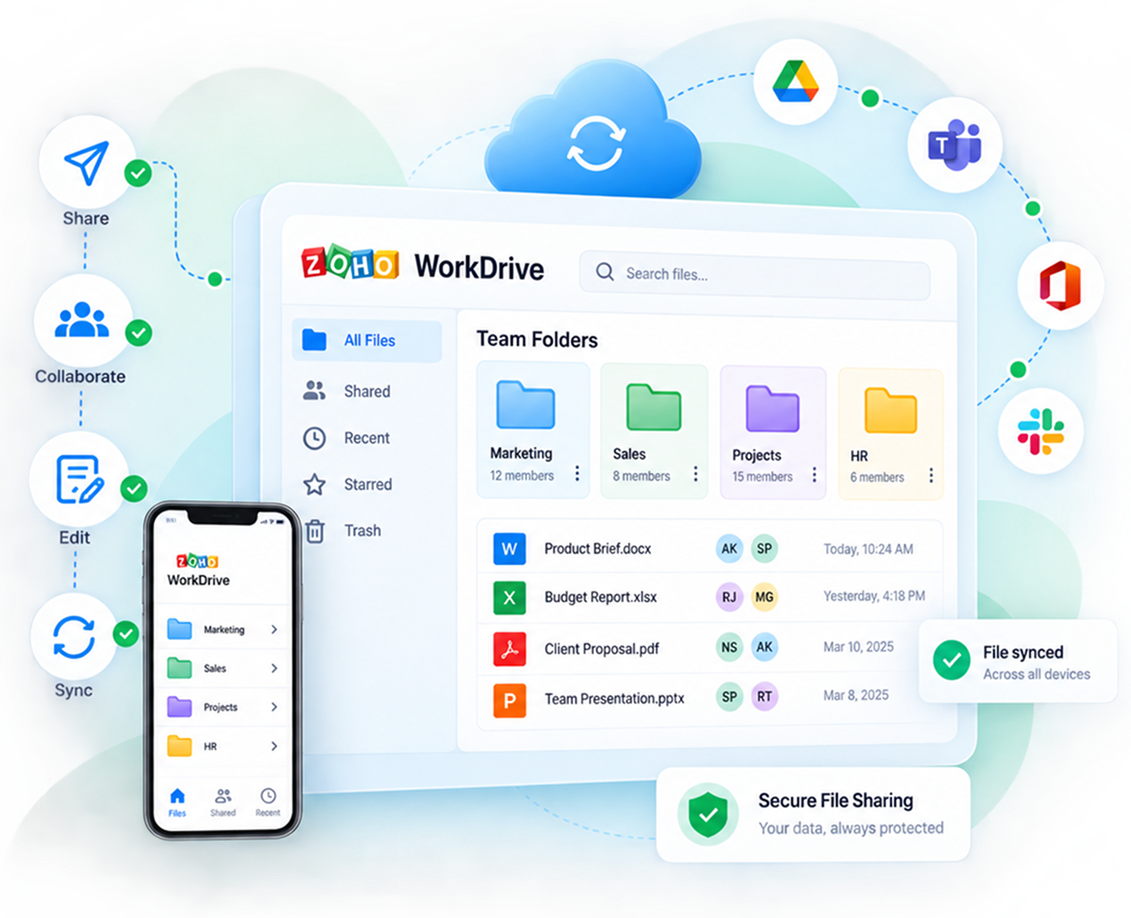
Zoho WorkDrive is a cloud content platform built around Team Folders instead of personal drives – every file belongs to the team, not to whoever uploaded it. It bundles online storage, a full office suite (Writer, Sheet, Show), granular permissions, and a desktop sync client into one workspace.
Shared Team Folders replace scattered personal drives and email attachments
Built-in Writer, Sheet, and Show - no switching apps to co-edit
TrueSync mirrors your files locally without eating your hard disk
Version history, activity logs, and recoverable Trash on every file
Business Impact
How WorkDrive changes the
way your team works
Beyond storage, WorkDrive removes the daily friction that slows teams down — version confusion, access requests, and lost context when someone leaves.
Hours back per week
No more hunting through email threads for "final_v3_FINAL.doc" - one link, always current.
Continuity, not chaos
Files live with the Team Folder, so nothing walks out the door when an employee offboards.
Controlled access
Sub-folder permissions mean people see exactly what they need - nothing more.
Scales with headcount
From 5 to 5,000 seats, storage and admin controls grow with you at predictable cost.
See your files organized inside WorkDrive - on a live demo.
No commitment. We'll map your current storage against a Team Folder structure in 30 minutes.
WorkDrive rarely lives alone — we connect it to the rest of your stack so files move where the work happens.
Zoho CRM
Zoho Mail
Microsoft Teams
Slack
Google Workspace
Zapier
WordPress
Adobe Sign
Trust & Compliance
Your data stays private - configured, not assumed
WorkDrive ships with strong security controls, but a default setup rarely matches your compliance needs. We harden every rollout: role-based access, watermarking, device-level sync restrictions, and full audit trails from day one.
Data encrypted in transit and at rest
Full activity logs - every view, edit, and share tracked
Granular, sub-folder level permission rules
Sync and download restrictions by role or device
The Case For It
Why Zoho WorkDrive
matters as you scale
Growth multiplies the cost of disorganized files — more people, more versions, more risk. WorkDrive is built to absorb that growth instead of buckling under it.
No more file sprawl
One structure replaces a dozen personal drives and shared links.
Faster onboarding
New hires get access to exactly the right folders on day one.
Work from anywhere
Browser, desktop, or mobile — the same files, always current.
Lower total cost
One platform replaces separate storage, office, and e-sign tools.
Inside WorkDrive
What services are available in WorkDrive
Four pillars make up the platform. Explore each one below.
Storage that mirrors your desktop
TrueSync:-Access your entire drive locally without downloading everything to disk.
Bulk uploads:- Move terabytes in from Google Drive, Dropbox, or a file server in one pass.
Recoverable Trash:- Deleted files are recoverable per Team Folder, not gone for good.
A full office suite, built in
Writer, Sheet & Show:- Create and co-edit documents, spreadsheets, and slides without leaving WorkDrive.
Format compatible:- Import and export Microsoft Office and Google formats cleanly.
Screen recording:- Record a walkthrough with audio and drop it straight into a folder.
Built for teams, not individuals
Team Folders:- Files are owned by the team so work continues past any one person.
Client Users:- Bring external stakeholders into specific folders without full access.
Live notifications:- Get updated the moment a teammate edits or comments.
Admin control without the overhead
Admin Dashboard:- See everything your team is working on from one screen.
Granular permissions:- Set roles so people access only what their work requires.
Exportable reports:- Pull activity logs for audits or legal review in a few clicks.
Our Services
What we provide,
end to end
From first audit to ongoing support, we handle the parts of a WorkDrive rollout that are easy to get wrong.
Storage Audit
We map your current files, drives, and shared folders before touching anything.
Data Migration
Bulk migration from Drive, Dropbox, OneDrive, or on-prem servers with zero data loss.
Structure & Permissions
Team Folder architecture and role-based access designed around your org chart.
Integration Setup
Connect WorkDrive to your CRM, mail, and communication tools.
Team Training
Live sessions so your team adopts WorkDrive instead of avoiding it.
Ongoing Support
A direct line to us for changes, questions, and troubleshooting.
Usage Reviews
Quarterly check-ins to refine structure as your team grows.
Automation
Approval flows and Zapier automations layered on top of your folders.
Why choose us
Our role in your
WorkDrive rollout
Discover
We audit your current storage, teams, and compliance needs.
Design
We build a Team Folder structure and permission model around it.
Migrate
Files move over in bulk, with version history and metadata intact.
Support
We train your team and stay on for ongoing optimization.
See What Zoho Procurement Could Do for Your Purchasing Team
Talk to a Zoho Premium Partner about your specific procurement challenges.
Zoho’s partner program has three tiers – Authorized, Advanced, and Premium -awarded annually based on certified expertise, implementation track record, and client outcomes, not self-declared status. Premium is the highest tier a consulting partner can reach.
Independently vetted and certified by Zoho, not self-assigned
Priority access to Zoho's internal support teams
Early access to new WorkDrive features and beta programs
Required to publish real case studies of client outcomes
Why Us
Why choose us
for WorkDrive
A named specialist
One point of contact who knows your setup - not a rotating support queue.
Fast turnaround
Most mid-size migrations complete in under three weeks, not months.
Beyond WorkDrive
We work across Zoho One, so WorkDrive stays connected as you add tools.
Plain-language support
No ticket jargon - we explain changes in terms your team understands.
We stay after go-live
Quarterly reviews to adjust structure as your team and files grow.
Transparent pricing
Zoho licensing is fixed — you only pay us for the service we deliver.
Trusted by Businesses running on A3CA
testimonials
Real Stories. Real Results.
Discover how our solutions have helped businesses streamline processes, save time, and grow with confidence.
A3CA delivers expert financial auditing with professionalism, deep insight, and a strong focus on compliance and client success.
Vivekananda Mishra
Strategic Lead @Zoho | IT Strategy | Solution & Project Management Expert
Anmol is reliable and proactive, with strong expertise in GST, TDS, audits, and compliance. He consistently goes the extra mile. Highly recommended.
Himanshu Jain
Engineering Leadership | Delivery Management, and Client Engagement
A3CA delivers expert financial auditing with professionalism, deep insight, and a strong focus on compliance and client success.
Sheriff Rizwan
Founder & CEO
Working with A3CA has been excellent—diligent, supportive, and always ready to help. Their Zoho Finance expertise makes them highly recommended.
Brian French
CEO at Salient Process
I’ve partnered with A3CA on multiple Zoho projects—their deep expertise and seamless Zoho Books migrations make them truly outstanding.
We truly appreciate the effort and dedication your team has put into completing the Zoho project for our organization. The collaboration has been smooth and professional, and we are pleased with the outcome.
Dheeraj Sharma
Officer – Accounts/Finance
faq's
Frequently Asked Questions
Everything you need to know about Zoho workdrive implementation with A3CA.
Book free chat with us
How long does a WorkDrive migration usually take?
Most small-to-mid size migrations complete in one to three weeks, depending on data volume and how many integrations need configuring alongside it.
Will our team lose access to files during migration?
No – we run migrations in the background with your existing storage staying live, then cut over once everything is verified.
Does Zoho licensing cost more through a Premium Partner?
No. Zoho license pricing is fixed regardless of which partner you buy through – you’re paying us only for implementation and ongoing support.
Can external clients access specific folders only?
Yes – WorkDrive’s Client User feature lets outside stakeholders view or upload to specific folders without seeing your full workspace.
What happens after go-live - do you still support us?
Yes, every rollout includes a support window plus optional quarterly reviews to adjust structure and permissions as your team changes.